How to Learn Python (Beginner-Friendly Roadmap for 2026)


Introduction
If you are wondering how to learn Python, you are not alone. According to Stack Overflow’s 2024 Developer Survey, 66% of people learning how to code use Python, making it the most beginner-friendly programming language.
It also continues to power artificial intelligence, automation, data science, and web applications across every industry. Its clean syntax and massive ecosystem make it the top choice for Python for beginners. While many people search for how to learn for Python, new learners may feel overwhelmed by conflicting advice, outdated tutorials, and unclear learning paths.
This guide solves that problem with a clear, structured roadmap for mastering Python basics, building real projects, and progressing toward job-ready skills. You will learn what to focus on first, which platforms are worth your time, how long it takes to learn Python realistically, and how to avoid the most common beginner mistakes. By the end, you will have a practical plan that turns curiosity into consistent progress.
Why Learn Python in 2026?
Python remains the most practical programming language for beginners entering tech in 2026.
Dominance in AI, ML, and data science
Its dominance comes from how widely it is used across fast-growing fields. In AI and machine learning, Python is the default choice due to libraries like TensorFlow and PyTorch. According to the 2025 Python Developers Survey, 51% use Python for data exploration and processing.
In data science, it powers analysis, visualization, and modeling workflows. It also plays a major role in automation, backend systems, and scripting tasks.
Beginner-friendly syntax
For Python for beginners, the biggest advantage is readability. The syntax is clean and close to plain English, which reduces the initial learning curve. In the same annual Python survey previously cited, half of Python developers have less than 2 years of professional experience.
This can be explained by how Python removes much of the complexity around memory management and strict syntax rules. Compared to languages like C++ or Java, it allows beginners to focus on problem-solving instead of fighting the language.
Community support
Another reason Python stands out is its community. There are millions of developers contributing tutorials, libraries, and open-source tools. That means faster answers, better learning resources, and strong career support.
The ecosystem is also unmatched. Whether you want to work in finance, research, web development, or automation, Python has mature tools ready to use.
If your goal is to break into tech quickly, Python remains the fastest and most efficient entry point, especially if you learn with a structured approach.
Step 1: Understand the Python Basics First
Before building anything advanced, you need a solid grasp of Python basics. This stage is where most beginners either build confidence or get stuck by overcomplicating things.
At its core, Python for beginners starts with a few key concepts:
- Variables, storing and updating data
- Data types, such as integers, strings, and lists
- Conditionals, using if statements to control logic
- Loops, repeating actions with for and while
- Functions, organizing reusable blocks of code
- Basic file handling, reading and writing simple files
Many beginners try to rush through these topics or memorize syntax without understanding how they connect. That approach fails quickly. Instead, focus on how data flows through a program and how logic is structured.
For example, a simple program might take a number, check if it is even, and print a result. This combines variables, conditionals, and output. Small exercises like this build real understanding.
Mastery at this stage does not mean knowing everything. It means you can write small programs on your own without copying code. You should be able to solve simple problems, debug errors, and explain what your code is doing.
A simple way to test if you truly understand Python basics is to apply them in real problem scenarios. Start practicing with real-world Python interview questions on Interview Query’s question bank. These problems force you to combine logic, data structures, and problem-solving, which is exactly what turns basic knowledge into real skill.
Step 2: Practice by Building Small Projects Early
If you want to know how to learn Python fast, building projects is an important step. Most beginners spend too much time watching tutorials and not enough time building. This leads to what is often called tutorial hell, where you understand concepts but cannot apply them independently.
You do not need complex ideas. Small, practical projects are enough:
| Project | Python Concepts Covered | Skills Developed |
|---|---|---|
| Calculator (CLI) | Variables, conditionals, functions, user input | Logic building, handling inputs, structuring simple programs |
| Password Generator | Random module, strings, loops | Working with libraries, string manipulation, basic security thinking |
| To-Do List (CLI App) | Lists, file handling, functions | Data storage, CRUD operations, program structure |
| Web Scraper | Requests, BeautifulSoup, loops | Data extraction, working with external data, automation basics |
| API Data Fetcher | APIs, JSON handling, requests library | Understanding APIs, parsing data, real-world integration |
Read more: 19 Beginner Python Projects You Can Start Today
How Projects Accelerate Progress
These projects force you to think through logic, fix errors, and connect different concepts. That process is what builds real skill.
Projects also improve retention. When you actively solve problems, you remember patterns faster than passive learning. You also gain confidence by seeing something you built actually work.
Step 3: Choose a Learning Path Based on Your Goal
One of the biggest mistakes beginners make is trying to learn everything at once. The best way to learn Python is to choose a direction early and focus your efforts. A clear Python learning roadmap helps you build relevant skills faster and avoid unnecessary topics.
Here are the four most common paths:
A. Python for Data Science
This path focuses on analyzing and working with data.
- Learn libraries like Pandas and NumPy for data manipulation
- Use matplotlib or seaborn for visualization
- Work with SQL to query databases
- Practice in Jupyter notebooks for interactive analysis
- Build projects like dashboards or data reports
B. Python for Web Development
This path is for building websites and backend systems.
- Learn frameworks like Flask or Django
- Understand how APIs work and how to build them
- Work with databases such as PostgreSQL
- Learn basic deployment concepts
- Build projects like REST APIs or simple web apps
C. Python for Automation
This is one of the fastest ways to apply Python in real life.
- Write scripts to automate repetitive tasks
- Work with files, emails, and system processes
- Use tools like Selenium for browser automation
- Build projects like data entry bots or file organizers
D. Python for Software Engineering
This path focuses on technical interviews and large systems.
- Study data structures and algorithms
- Practice problem-solving regularly
- Learn testing and debugging techniques
- Understand code structure and performance
- Build projects that simulate real-world systems
Each path leads to different career outcomes, but all start with the same foundation. Pick one based on your goal and stay focused.
Once you’ve chosen a direction, reinforce it with structured, role-specific practice. Interview Query offers learning paths aligned with these same career tracks, including data science, analytics, and a dedicated Data Structures and Algorithms path for software engineering interviews. These paths help you go beyond tutorials and build the exact skills needed to pass real technical interviews.
Quick Comparison: 12 Websites to Learn Python
Here’s a quick snapshot of the best websites to learn Python based on learning style, speed, and focus area.
| Platform | Best For | Learning Style | Speed | Cost |
|---|---|---|---|---|
| Codecademy | Beginners | Interactive | Fast | Free / Paid |
| DataCamp | Data Science | Interactive | Fast | Paid |
| freeCodeCamp | Projects | Project-Based | Moderate | Free |
| Coursera | Structured Learning | Lecture + Assignments | Moderate | Free / Paid |
| edX | CS Fundamentals | Academic | Slow | Free / Paid |
| Udemy | Flexibility | Video-Based | Variable | Low Cost |
| Boot.dev | Backend Dev | Gamified + Projects | Fast | Paid |
| Udacity | Career Prep | Project + Mentorship | Moderate | Expensive |
| Kaggle | Data Practice | Hands-On | Fast | Free |
| Dataquest | Data Projects | Project-First | Fast | Paid |
| CS50 Python | Foundations | Academic + Problem Sets | Slow | Free / Paid |
| Real Python | Intermediate | Deep-Dive Articles | Variable | Paid |
This table helps you quickly narrow down your options based on how you prefer to learn and how fast you want to progress. Below, we break down each platform in detail so you can choose the best fit for your goals.
12 Best Websites to Learn Python (Interactive, Project-Based, and Fast)
Choosing the best websites to learn Python depends on how you prefer to learn and what your end goal is. Some platforms focus on interactive coding from day one. Others prioritize structured academic learning or long-term career tracks.
The best options combine hands-on practice, clear progression, and real projects so you can learn Python online without getting stuck in theory.
Below is a curated list based on interactivity, project-based learning, speed of progression, and overall value. These criteria determine how quickly and effectively you can learn Python online without wasting time on passive content.
| Criteria | What It Means | Why It Matters |
|---|---|---|
| Interactivity | Hands-on coding inside the platform, not just videos | Active practice improves retention and reduces passive learning |
| Project-Based Learning | Real projects instead of isolated exercises | Builds portfolio-ready work and practical problem-solving skills |
| Speed of Progression | How quickly you can move from basics to usable skills | Faster feedback loops help you stay consistent and motivated |
| Structure & Guidance | Clear learning paths, progression, and milestones | Prevents confusion and keeps beginners on track |
| Cost & Accessibility | Free vs paid access, subscription models | Determines how sustainable the learning path is long term |
1. Codecademy
Best for: Beginners who want structured, interactive lessons
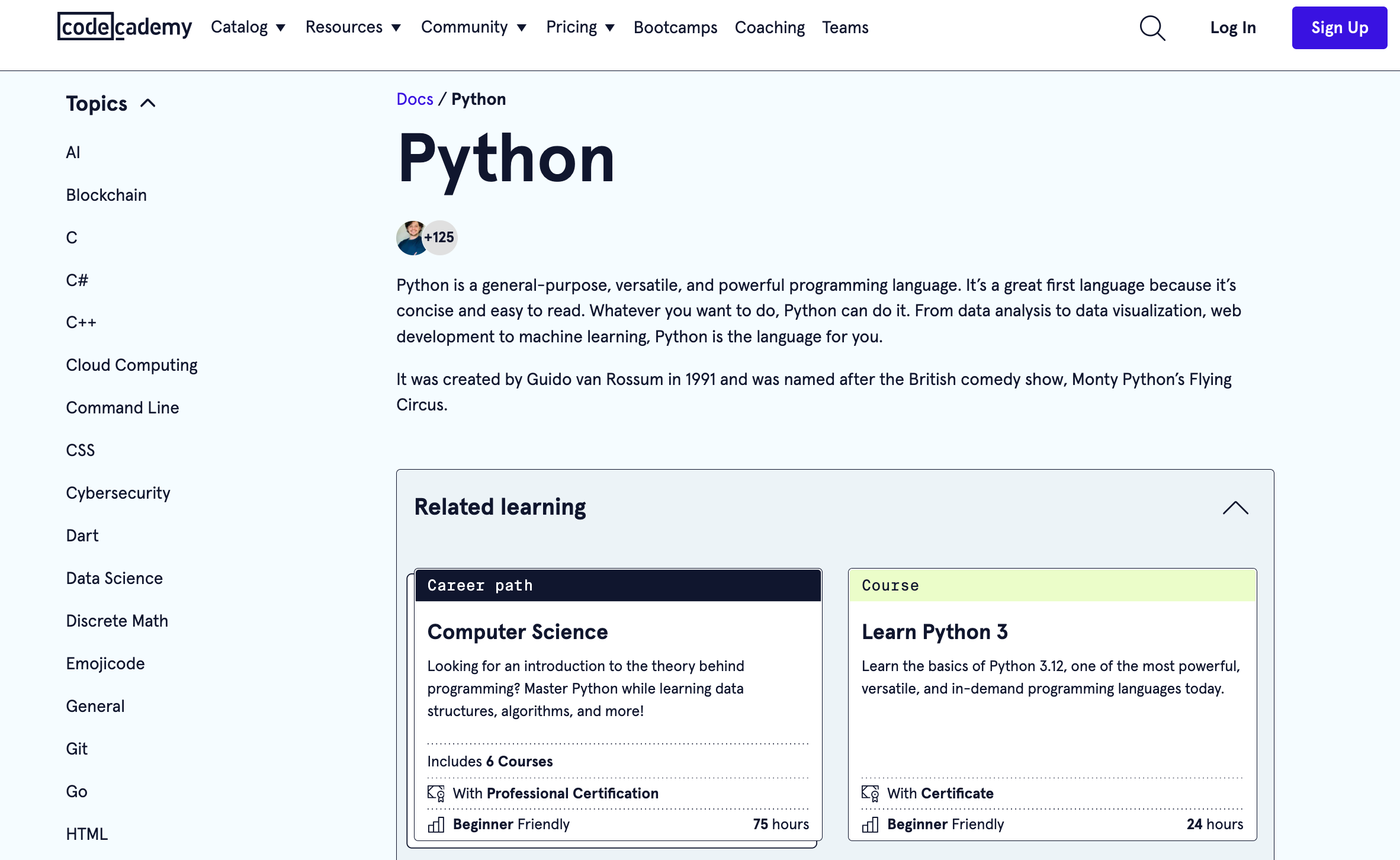
Codecademy is one of the fastest ways to start coding. Lessons are broken into small steps, which makes it ideal for Python for beginners who need guidance and structure.
Example Course / Path:
- Learn Python 3; Learn Python for Data Science path
Learning Style + Speed Fit:
- Highly interactive, guided typing in-browser
- Fast early progress, visible results within days
Pros:
- In-browser coding with instant feedback
- Clear learning paths and progression
- Beginner-friendly pacing
- Includes small projects and quizzes
Cons:
- Limited depth for advanced topics
- Full content requires subscription
Pricing: Free basic plan, Pro starts around $39 per month.
2. DataCamp
Best for: Data science and analytics learners
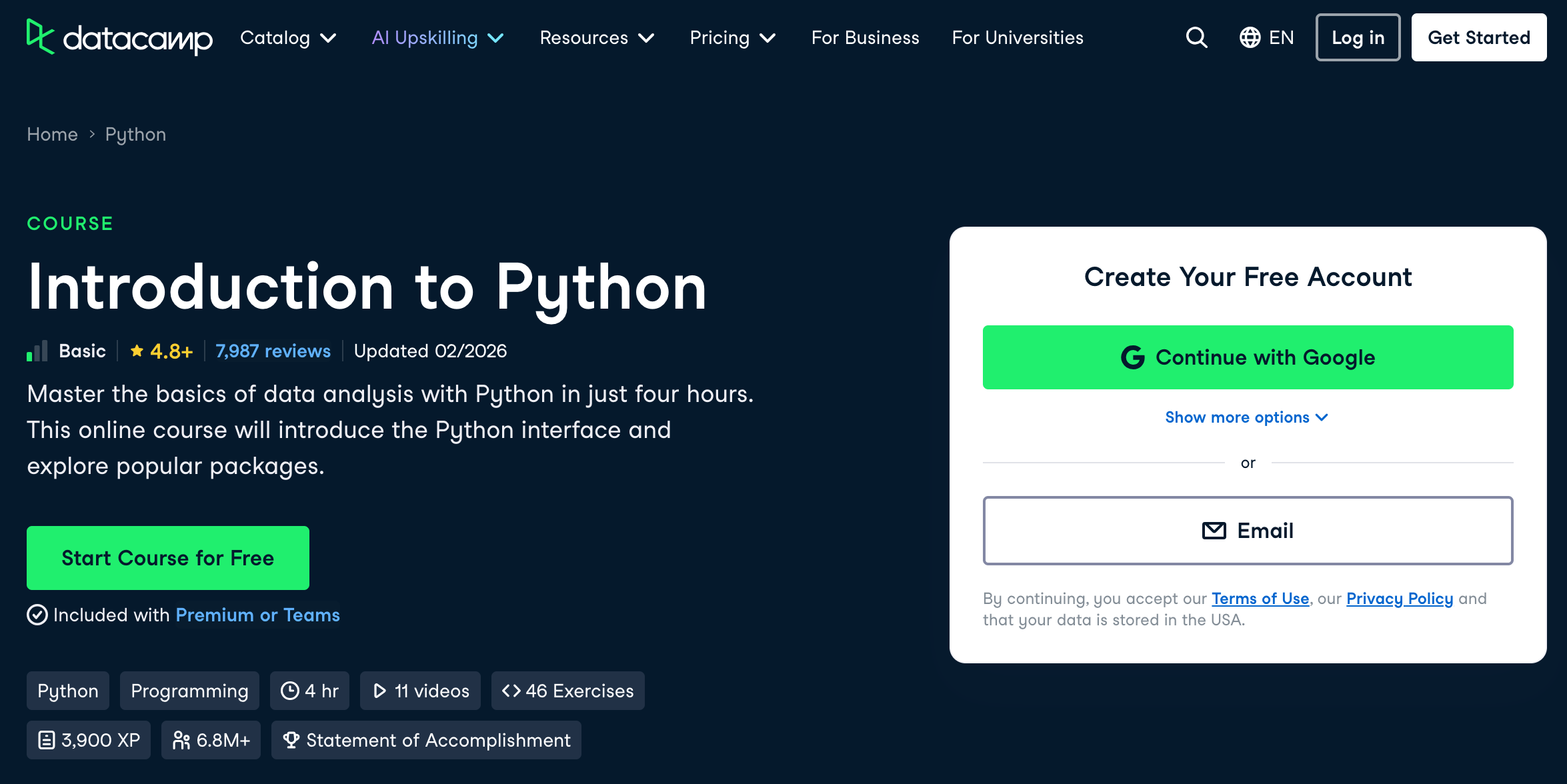
DataCamp stands out for practical, data-driven learning. Its bite-sized lessons make it one of the fastest ways to build usable Python skills in analytics.
Example Course / Path:
- Introduction to Python; Introduction to Data Science in Python
Learning Style + Speed Fit:
- Interactive exercises with immediate feedback
- Short lessons, optimized for daily practice
Pros:
- Hands-on exercises with real datasets
- Short, focused lessons that build quickly
- Career tracks for data roles
- Interactive coding environment
Cons:
- Narrow focus on data topics
- Paid plan required for full access
Pricing: Free intro content, full access around $25 per month.
3. freeCodeCamp
Best for: Free, project-based learning
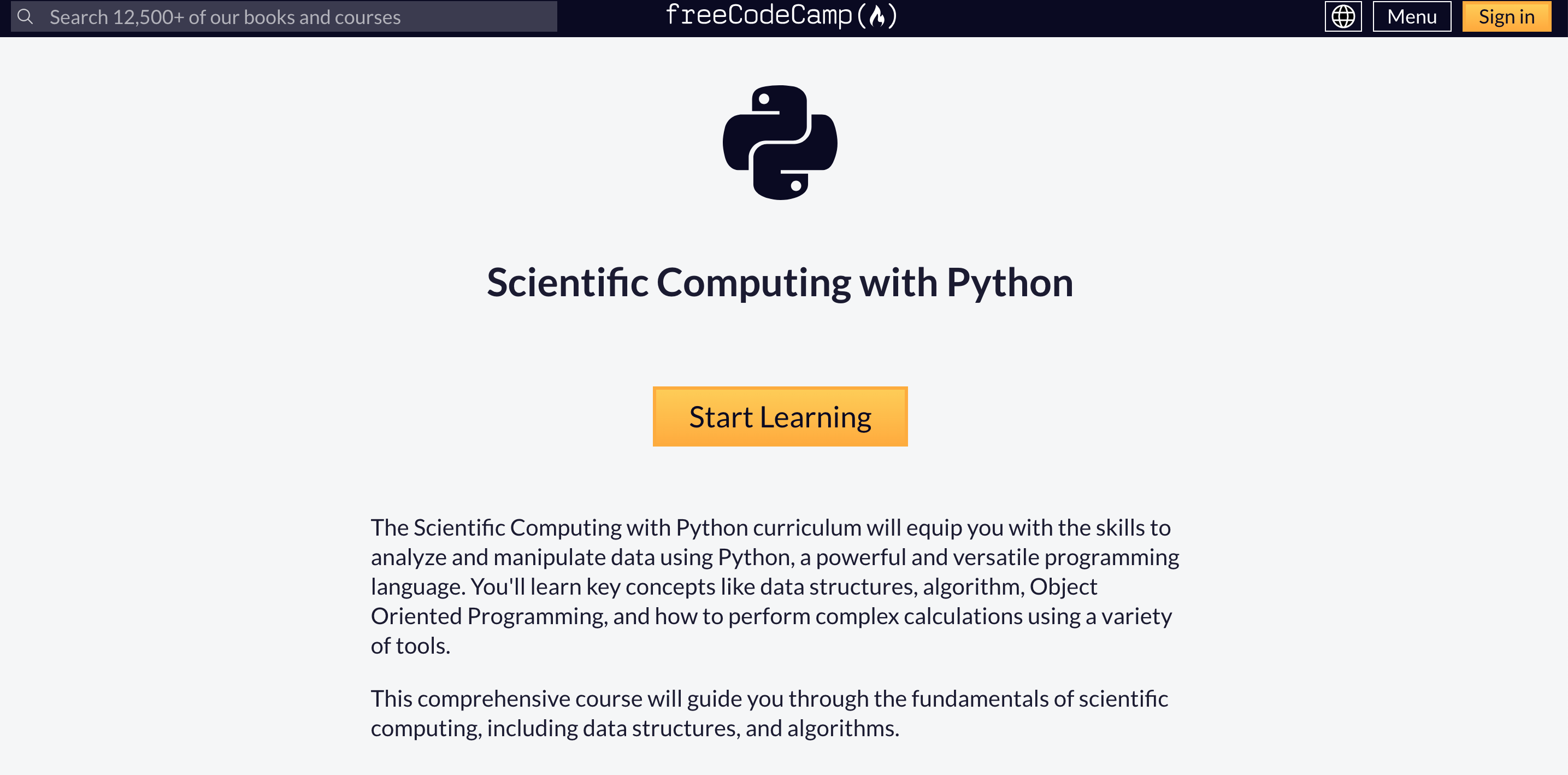
freeCodeCamp offers one of the most extensive ways to learn Python online. The project-heavy approach helps build a portfolio, but the sheer volume can feel overwhelming.
Example Course / Path:
- Scientific Computing with Python Certification; Data Analysis with Python Projects
Learning Style + Speed Fit:
- Slower progression, but deeper retention
- Best for disciplined learners who prefer building over watching
Pros:
- Completely free
- Large number of real projects
- Strong community support
- Certification tracks included
Cons:
- Very long curriculum
- Requires high self-discipline
Pricing: Free
4. Coursera
Best for: Structured, university-backed learning
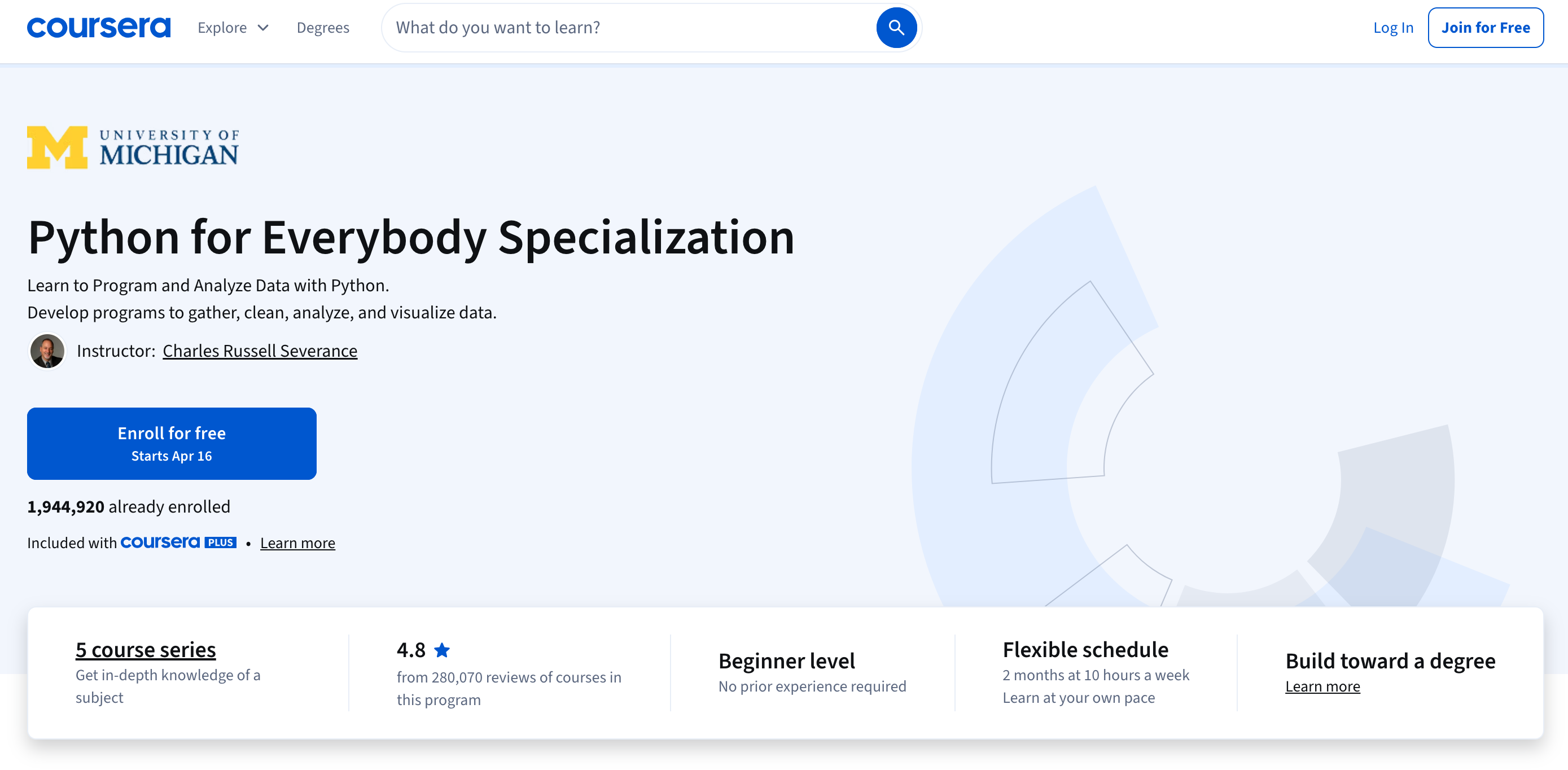
Coursera is ideal if you want formal structure and credentials while learning Python as a beginner.
Example Course / Path:
- Python for Everybody (University of Michigan)
Learning Style + Speed Fit:
- Lecture-based with deadlines for assignments and quizzes
- Moderate pace, fixed weekly structure
Pros:
- Courses from top universities
- Recognized certificates
- Peer-reviewed assignments
Cons:
- Less hands-on coding compared to interactive platforms
- Subscription required for certificates
Pricing: Free to audit, certificates typically $39 to $79 per month.
5. edX
Best for: Academic depth and computer science fundamentals
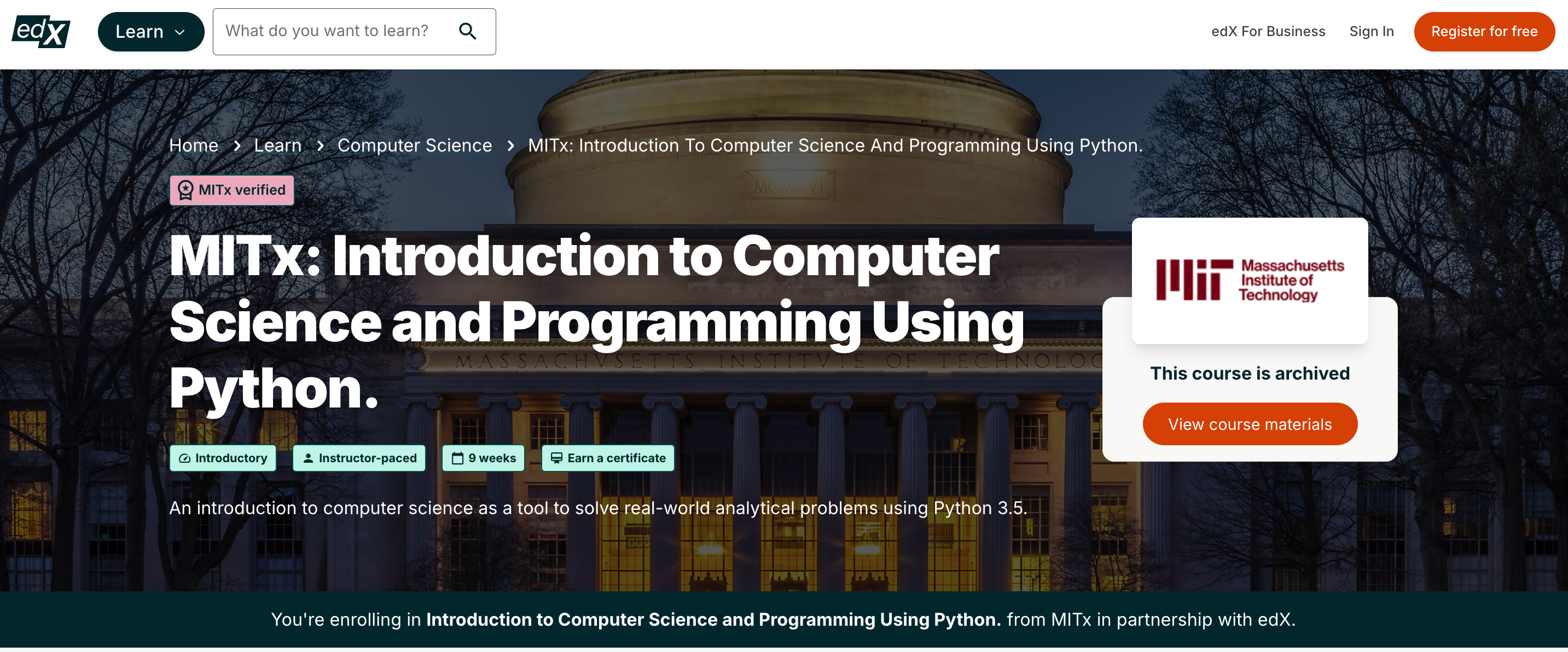
edX focuses on deeper understanding. It is best suited for learners who want to go beyond Python basics and understand core computer science concepts.
Example Course / Path:
- Introduction to Computer Science Using Python (MIT)
Learning Style + Speed Fit:
- Theory-heavy with problem sets
- Slower pace, deeper understanding
Pros:
- Courses from institutions like MIT and Harvard
- Strong theoretical foundation
- High-quality instruction
- Recognized certificates
Cons:
- Heavy workload
- Less interactive coding
Pricing: Free to audit, certificates usually $50 or more.
6. Udemy
Best for: Affordable, flexible learning
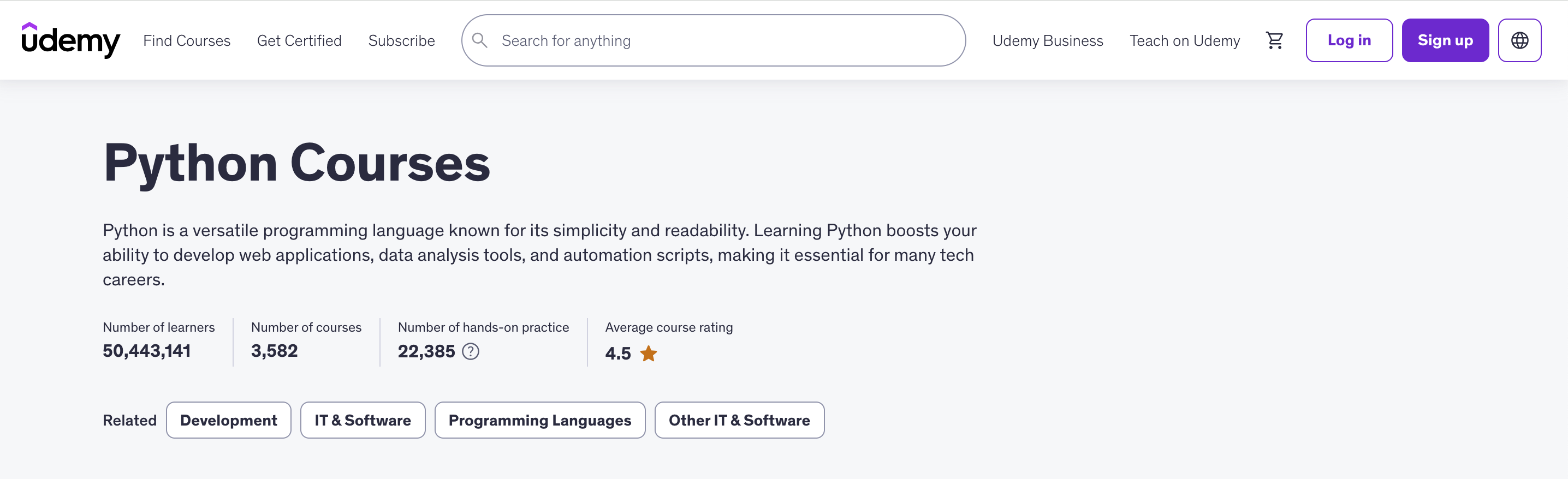
Udemy is a practical choice if you want to target specific skills. It works best when paired with projects or another structured resource.
Example Course / Path:
- Complete Python Bootcamp
Learning Style + Speed Fit:
- Video-first with guided coding exercises
- Flexible pace, depends on learner discipline
Pros:
- Large selection of Python courses
- One-time payment with lifetime access
- Covers many use cases and skill levels
- Often discounted
Cons:
- Course quality varies
- No standardized curriculum
Pricing: Typically $10 to $20 per course during sales.
7. Boot.dev
Best for: Backend development and gamified learning
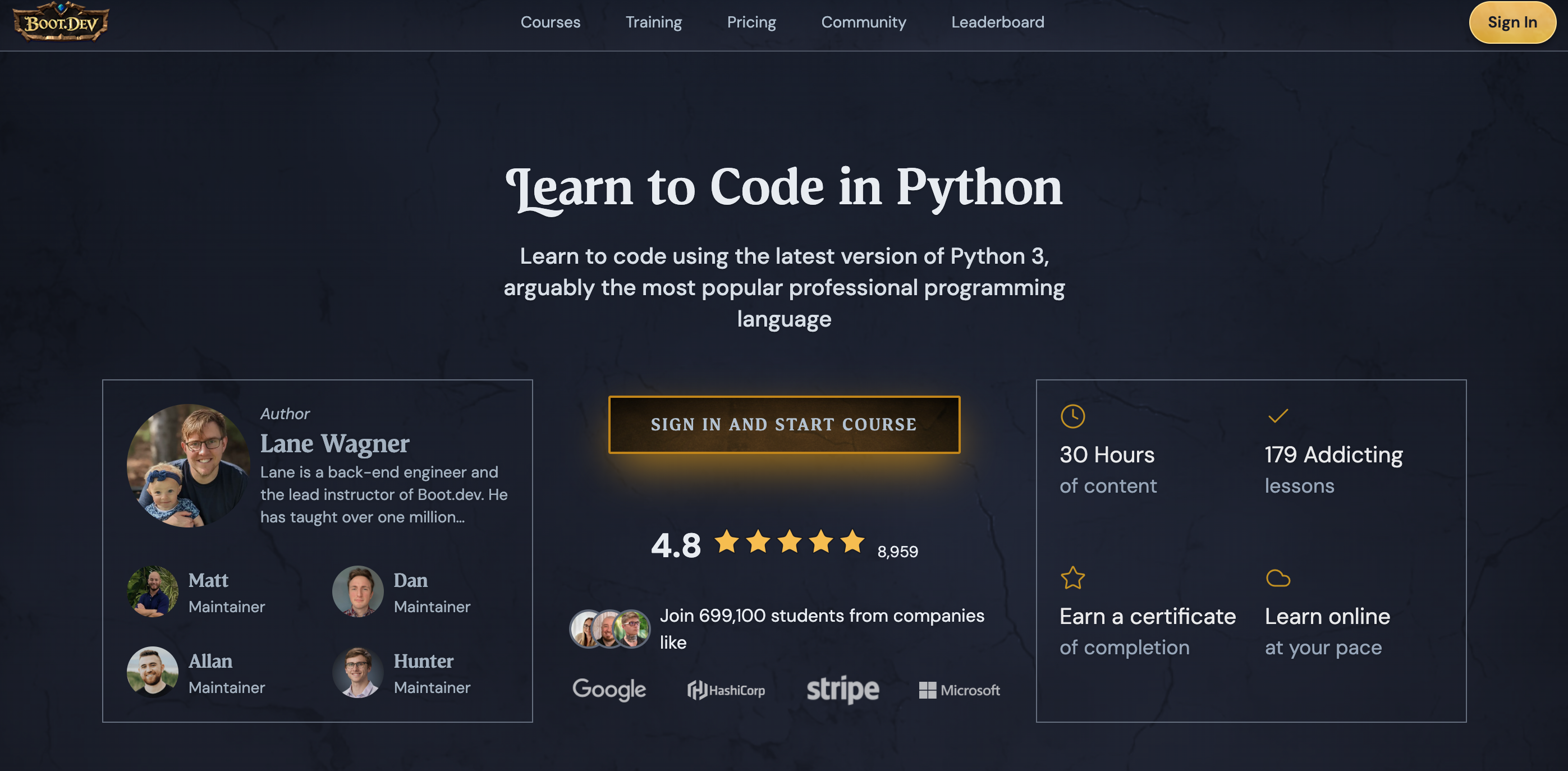
Boot.dev is designed for disciplined, career-focused learners. Its hands-on approach and gamification make it easier to stay consistent while building real skills.
Example Course / Path:
- Learn to Code in Python (Full course)
Learning Style + Speed Fit:
- Gamified, project-driven progression
- Consistent daily momentum
Pros:
- Project-based curriculum
- Focus on backend engineering
- Includes portfolio-ready work
Cons:
- Monthly subscription required
- Less established than larger platforms
Pricing: Around $39 per month.
8. Udacity
Best for: Career switchers and structured project tracks
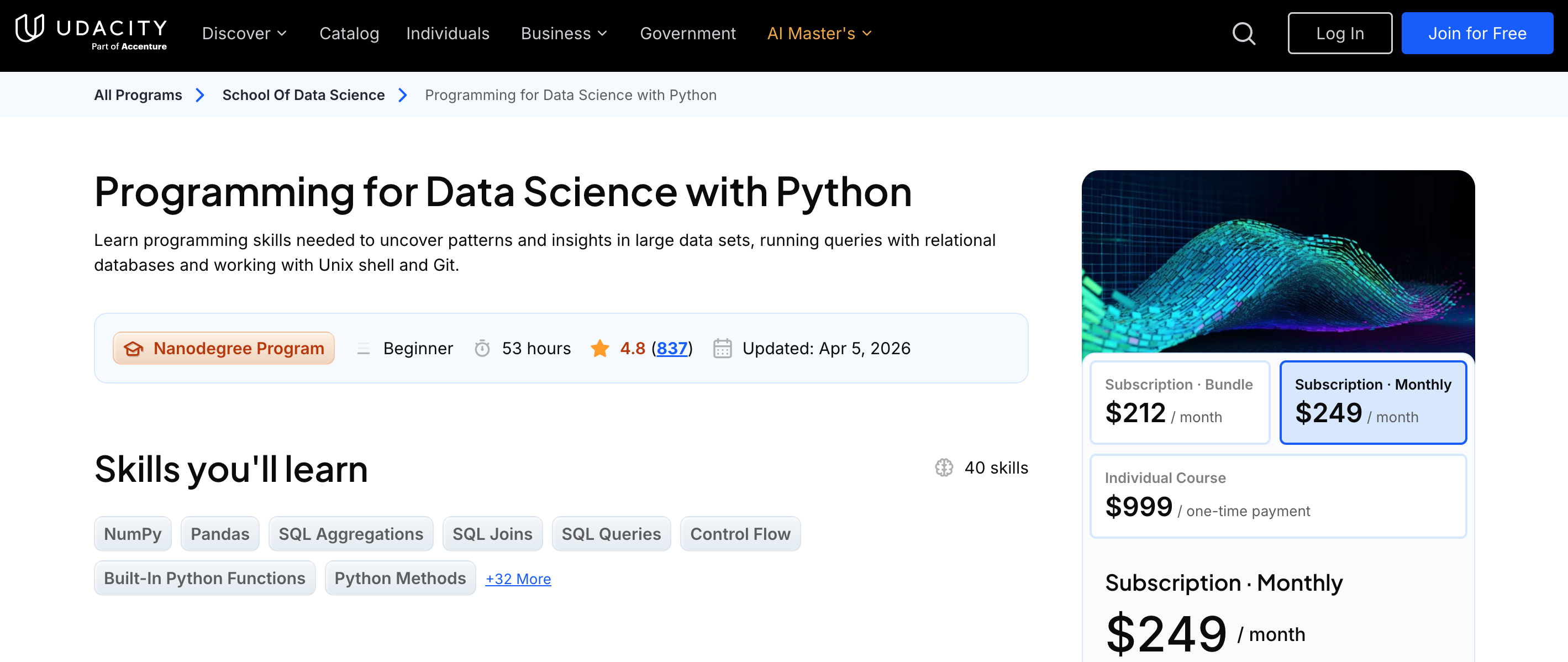
Udacity focuses on outcomes. If your goal is a job in tech, its project-based programs provide strong preparation, but at a higher cost.
Example Course / Path:
- Programming for Data Science with Python Nanodegree
Learning Style + Speed Fit:
- Moderate to fast pace with deadlines
- Best for learners who want accountability and career alignment
Pros:
- Real-world projects
- Mentor support and feedback
- Industry-aligned curriculum
- Strong focus on job readiness
Cons:
- Expensive
- Time-intensive programs
Pricing: Around $249 per month or bundled Nanodegree pricing.
9. Kaggle
Best for: Hands-on data practice with real datasets
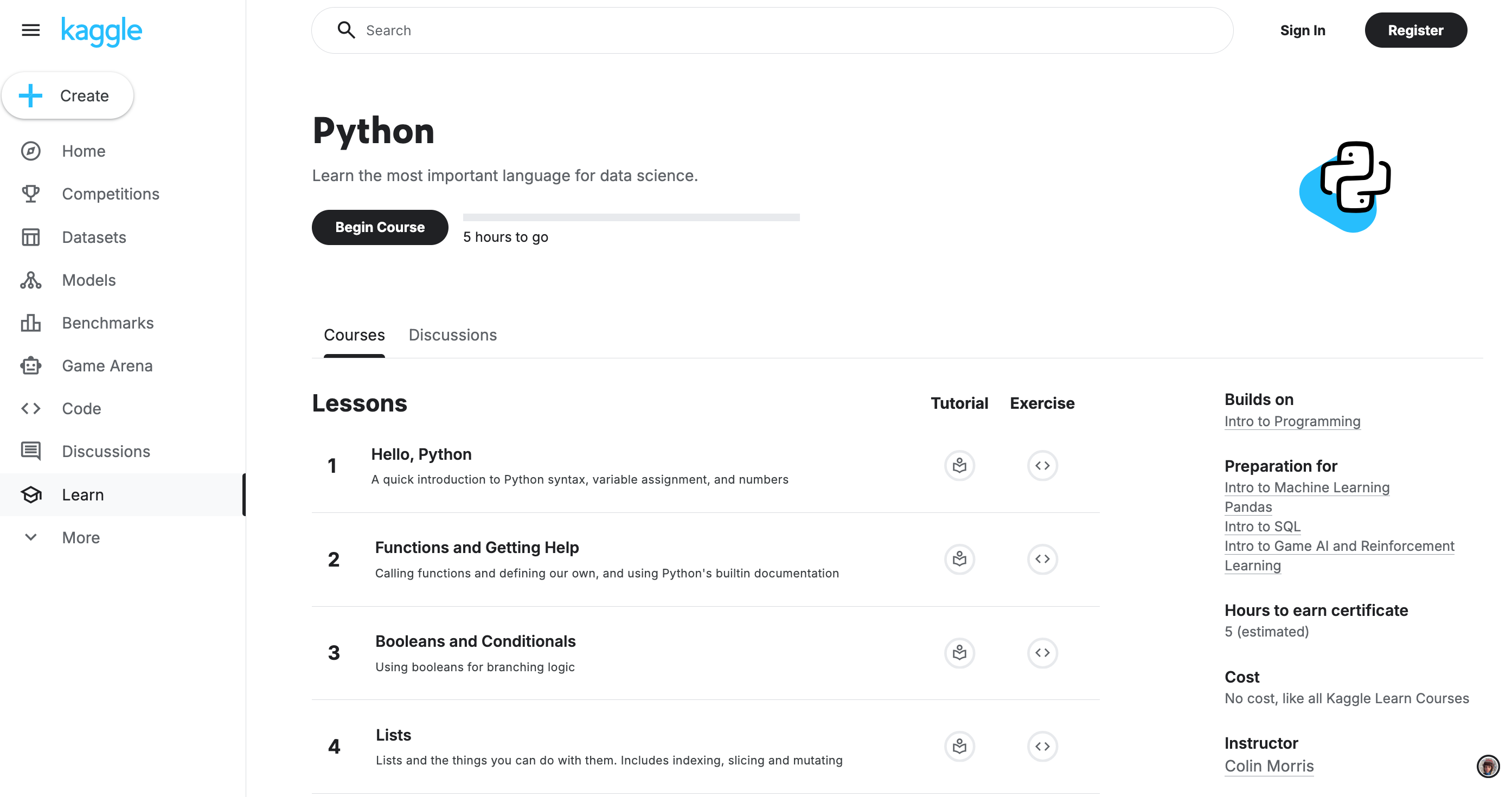
Kaggle is one of the fastest ways to get hands-on experience. Its short courses and real datasets make it ideal for applying Python immediately.
Example Course / Path:
- Python Course → Pandas → Intro to Machine Learning
Learning Style + Speed Fit:
- Micro-lessons with immediate application
- Very fast, practical learning loop
- Best as a supplement, not a full beginner path
Pros:
- Free interactive notebooks
- Real-world datasets
- Quick, practical lessons
- Strong data science community
Cons:
- Limited depth for beginners
- Focused mainly on data use cases
Pricing: Free.
10. Dataquest
Best for: Project-first data science learning
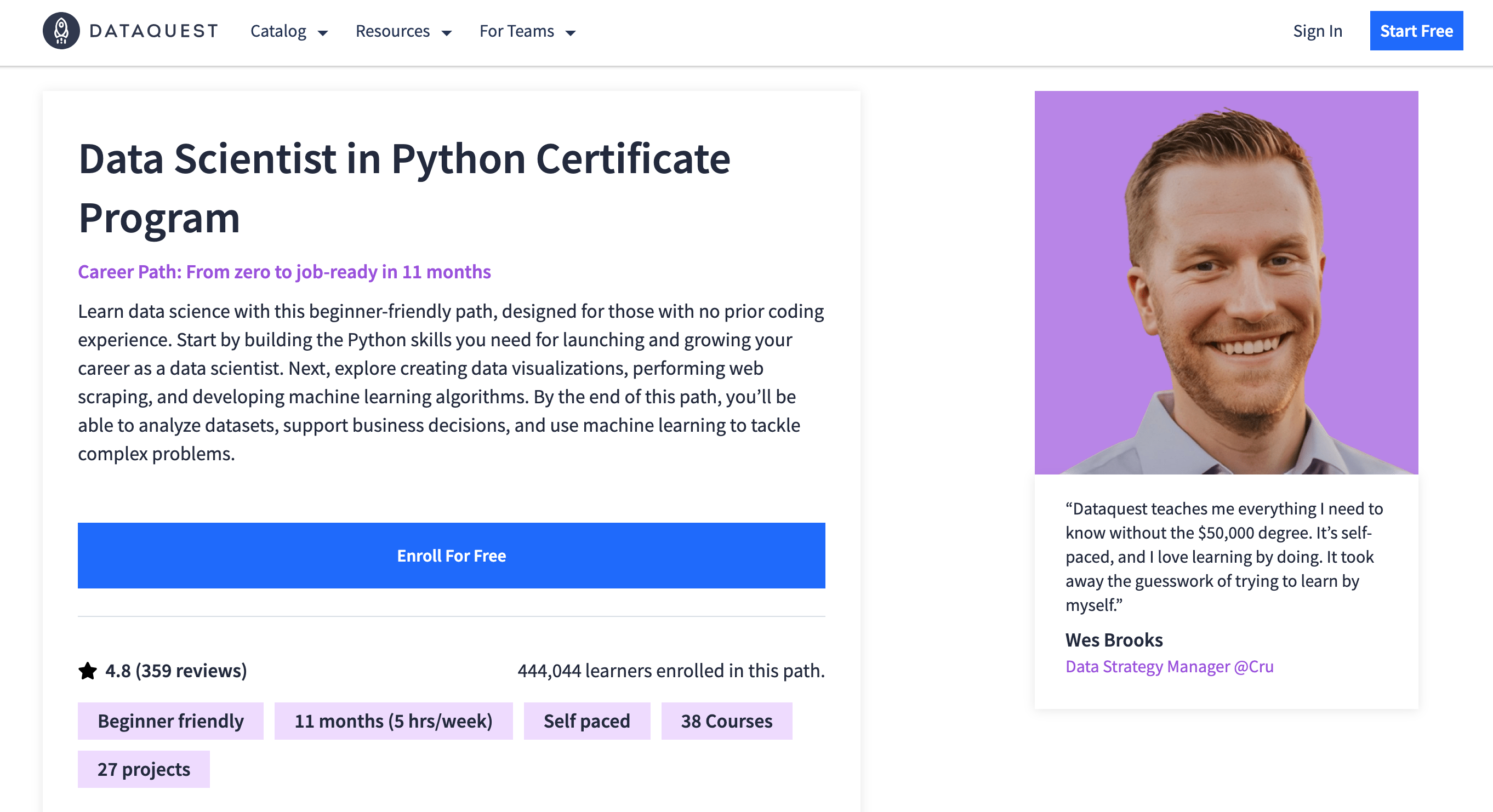
Dataquest takes a project-first approach. Instead of watching lectures, you write code from the start, which improves retention and job readiness.
Example Course / Path:
- Data Scientist in Python Certificate Program
Learning Style + Speed Fit:
- Learn by doing, minimal video content
- Fast skill acquisition through repetition
Pros:
- Learn by doing with real datasets
- Structured career paths
- Emphasis on practical skills
- Guided industry projects
Cons:
- Subscription required
- Focus limited to data roles
Pricing: Free tier, premium around $29 per month.
11. Harvard CS50 Python
Best for: Structured academic introduction to programming
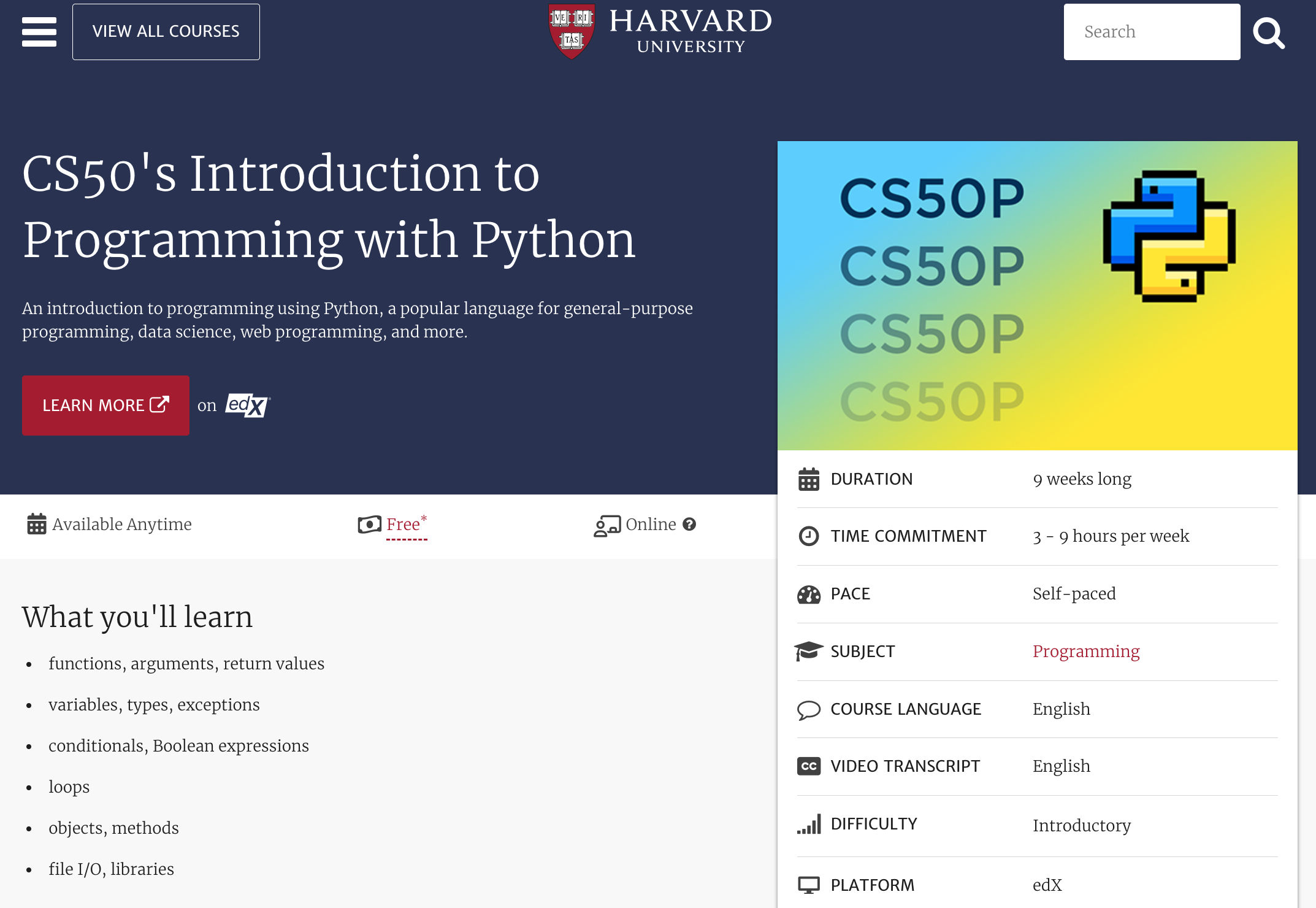
CS50’s Python course offers a rigorous introduction with problem sets and lectures. It is ideal if you want a strong foundation in programming principles, not just syntax.
Learning Style + Speed Fit:
- Slower, concept-heavy progression
- Best for learners who want deep understanding over speed
Pros:
- Taught by Harvard instructors
- Strong problem-solving focus
- Well-structured curriculum
- High credibility
Cons:
- More demanding than beginner platforms
- Less interactive than browser-based tools
Pricing: Free to audit, paid certificate optional.
12. Real Python
Best for: Intermediate learners deepening their skills
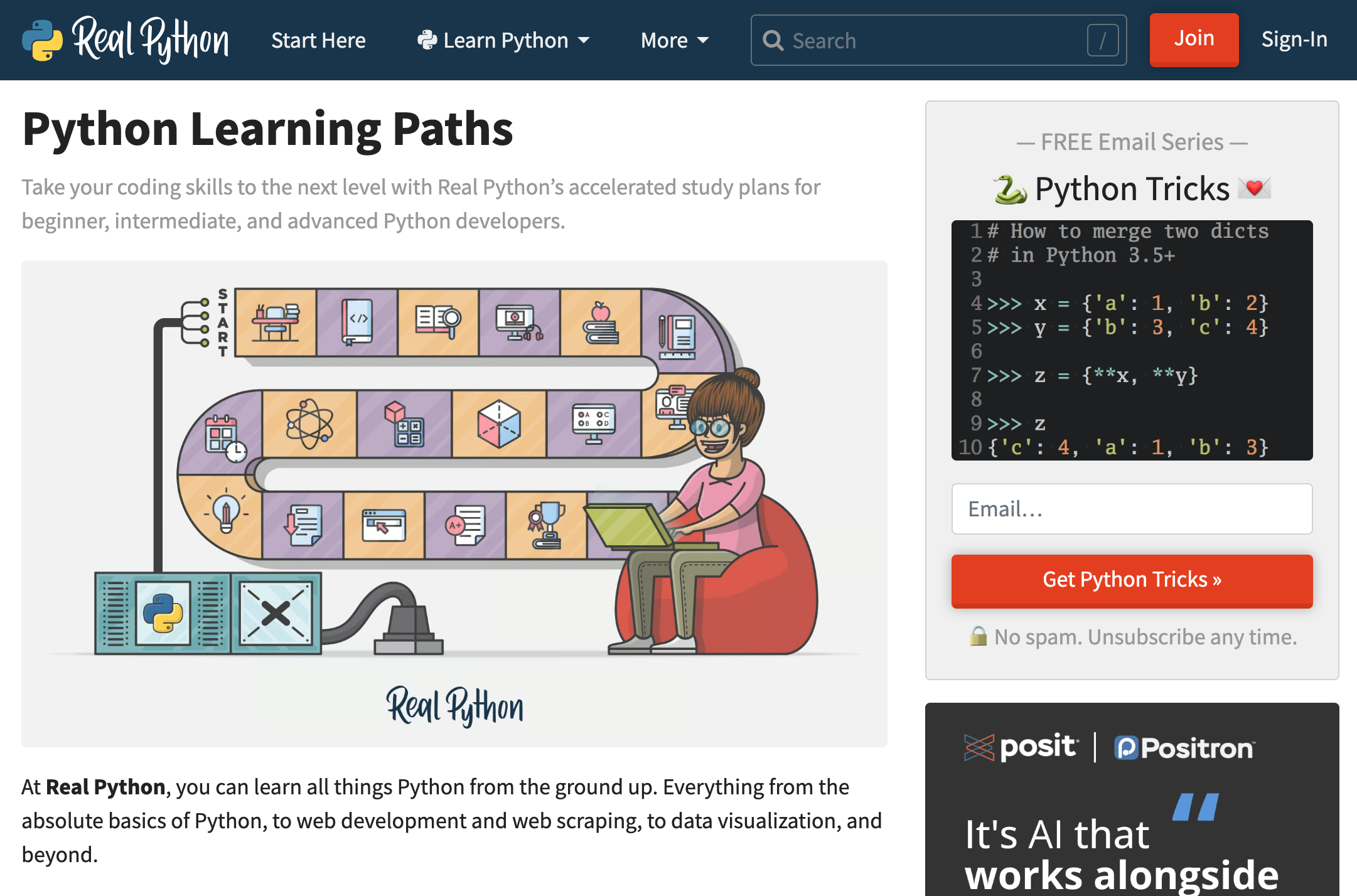
Real Python is best after you understand Python basics. It helps bridge the gap between beginner knowledge and professional-level skills.
Example Course / Path:
- Python Basics Learning Path, Data Science with Python
Learning Style + Speed Fit:
- Article-based, deep-dive tutorials
- Self-paced, flexible speed
Pros:
- High-quality written tutorials
- Covers advanced topics
- Includes quizzes and learning paths
- Active developer community
Cons:
- Not beginner-focused
- No in-browser coding environment
Pricing: Around $39 per month.
How Long Does It Take to Learn Python?
The short answer to how long does it take to learn Python depends on two things: consistency and how early you start building projects.
Most beginners overestimate the time needed because they rely too much on passive learning. With focused practice, Python is one of the fastest programming languages to pick up.
Casual Learner (5–7 hrs/week)
- Python basics: 4–6 weeks
- Comfortable writing scripts: 3–4 months
At this pace, you will understand core concepts and write simple programs. Progress is steady, but slower due to limited weekly exposure.
Career-Focused Learner (15–20 hrs/week)
- Python basics: 2–3 weeks
- Job-ready fundamentals: 2–3 months
This is the fastest realistic path. With consistent practice and early project work, you can reach a level where you can solve real problems and start applying for entry-level roles.
Advanced / Job-Ready Level
- Timeline: 6–12 months
Reaching a strong, job-ready level takes more than syntax. You need projects, problem-solving ability, and familiarity with tools in your chosen path such as data science or backend development.
Overall, success in learning Python is about how often you practice and whether you apply what you learn through projects. Learners who start building early progress significantly faster than those who stay in tutorials.
Common Mistakes Beginners Make
Many people struggle with Python for beginners not because the language is difficult, but because of inefficient learning habits. Avoiding these mistakes can cut your learning time in half.
| Mistake | What Happens | What to Do Instead |
|---|---|---|
| Jumping into frameworks too early | Confusion from complex tools like Django or Flask | Master Python basics before touching frameworks |
| Watching videos without coding | Passive learning, low retention | Code along and recreate examples from scratch |
| Not debugging independently | Over-reliance on solutions | Spend time reading errors and fixing bugs yourself |
| Over-focusing on theory | Knowledge without application | Pair every concept with a small project |
| Switching resources constantly | No progress, repeated basics | Stick to one platform until you finish a full path |
Free vs Paid: What’s Worth It?
Choosing between a free and paid Python course depends on your learning style and goals.
Free resources like freeCodeCamp or Kaggle are more than enough to learn Python basics and build projects. They work best for self-driven learners who can stay consistent without external pressure.
Paid platforms offer structure, which is where most beginners struggle. Features like guided paths, deadlines, and curated content reduce decision fatigue and keep you moving forward.
Here is how they compare:
| Factor | Free Python Course | Paid Python Course |
|---|---|---|
| Accountability | Self-driven, no enforced structure | Clear progression, guided paths, deadlines |
| Structured Learning | Can feel scattered, requires self-planning | Organized curriculum, reduced guesswork |
| Community Support | Forums and peer help | Often includes direct support or mentorship |
| Certifications | Rare or informal | Recognized certificates for job applications |
The right choice is not about cost. It is about consistency. If you can stay disciplined, free resources are enough. However, if you tend to lose momentum, a paid platform can accelerate your progress.
A 60-Day Python Learning Plan
To learn Python fast, this 60-day roadmap focuses on building skills quickly through practice.
Week 1–2: Python Basics
- Learn variables, data types, loops, and functions
- Practice simple exercises daily
- Write small scripts like calculators or number games
Week 3–4: First Projects
- Build 2 to 3 small projects
- To-do list CLI
- Password generator
- Basic web scraper
- Focus on writing code without copying
Week 5–6: Specialization Intro
- Choose a path: data, web, or automation
- Learn key tools
- Data: Pandas, basic analysis
- Web: Flask basics
- Automation: scripting tasks
Week 7–8: Portfolio Building
- Build 1 to 2 larger projects
- Clean up code and document your work
- Push projects to GitHub
If you learned Python and are now preparing on a tighter timeline, use Interview Query’s 14 Days of Python playlist to move from fundamentals to advanced concepts quickly. It is designed to reinforce core skills while ramping up difficulty, making it a strong bridge between basic learning and interview-level problem solving.
Frequently Asked Questions
1. Is Python hard for complete beginners?
No. Python is one of the easiest programming languages to start with because of its simple syntax and readability. Most beginners can understand Python basics within a few weeks.
2. Can I learn Python in 30 days?
You can learn the fundamentals in 30 days with consistent practice. Becoming job-ready takes longer, usually 2 to 6 months depending on your pace and project experience.
3. Do I need math to learn Python?
Basic math is enough for most use cases. Advanced math is only required for specialized fields like machine learning or data science.
4. Should I learn Python before SQL?
If your goal is data roles, learning both together is ideal. Python handles data processing, while SQL is used to query databases.
5. What projects should beginners build first?
Start with small, practical projects like a calculator, to-do list, password generator, or simple web scraper. These reinforce core concepts and build confidence.
Final Thoughts: The Best Way to Learn Python Is to Start
There is no perfect resource or single best way to learn Python. What matters is starting early and staying consistent, so remember to:
- Focus on fundamentals, then move into small projects
- Avoid getting stuck in tutorials
- Build, debug, and solve real problems as soon as possible
- Choose a path that aligns with your career goals
Once you have direction, your learning becomes faster and more focused.
If you’re learning Python for data or analytics roles, Interview Query can help you move from practice to job-ready skills:
- Practice real interview-style Python problems
- Master Python fundamentals in 14 days
- Deepen retention through Python-focused learning paths
Use these to practice applied problem-solving and prepare for real interview scenarios.